
Ages 11–17 · No ads · Kids need no email
Learn to code.
By playing.
Hexo the robot shows kids how a web page is built, how to stay safe online, how the internet works and how to defend against hackers, and takes teens into Python and JavaScript. They start with blocks that snap together like building bricks and step by step move on to real code.
The first 3 levels of every course are free, no account needed. Teachers and parents get a 30-day free trial with full access.

Try it now, no sign-up
Your first program in 30 seconds ⏱️
The dark forces have put out the signal tower. Put the commands together so Hexo lights the tower and reaches the portal.
- Empty so far. Click a command above.
Take a look before you try
This is what the levels look like
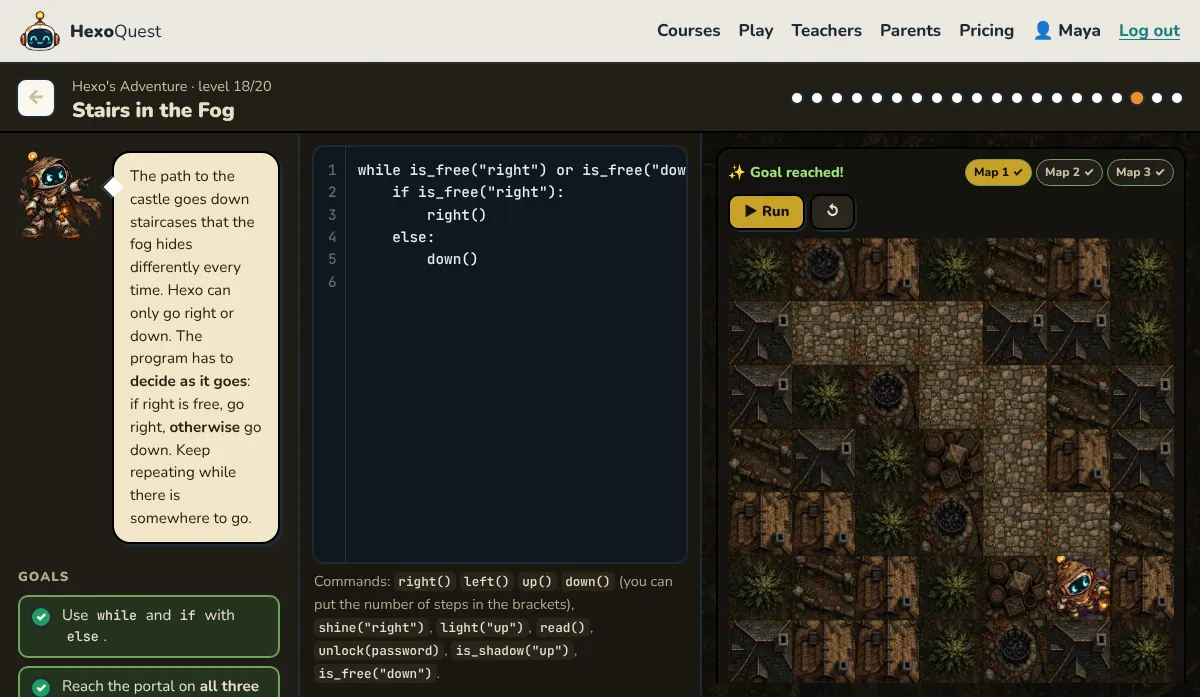
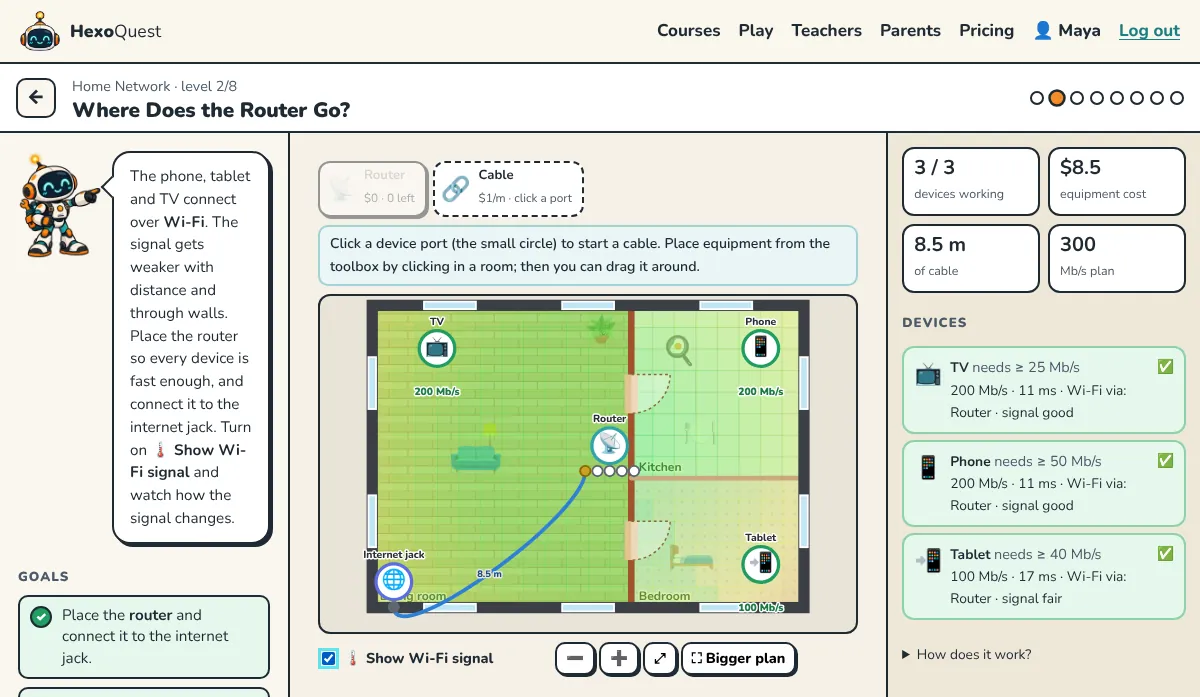
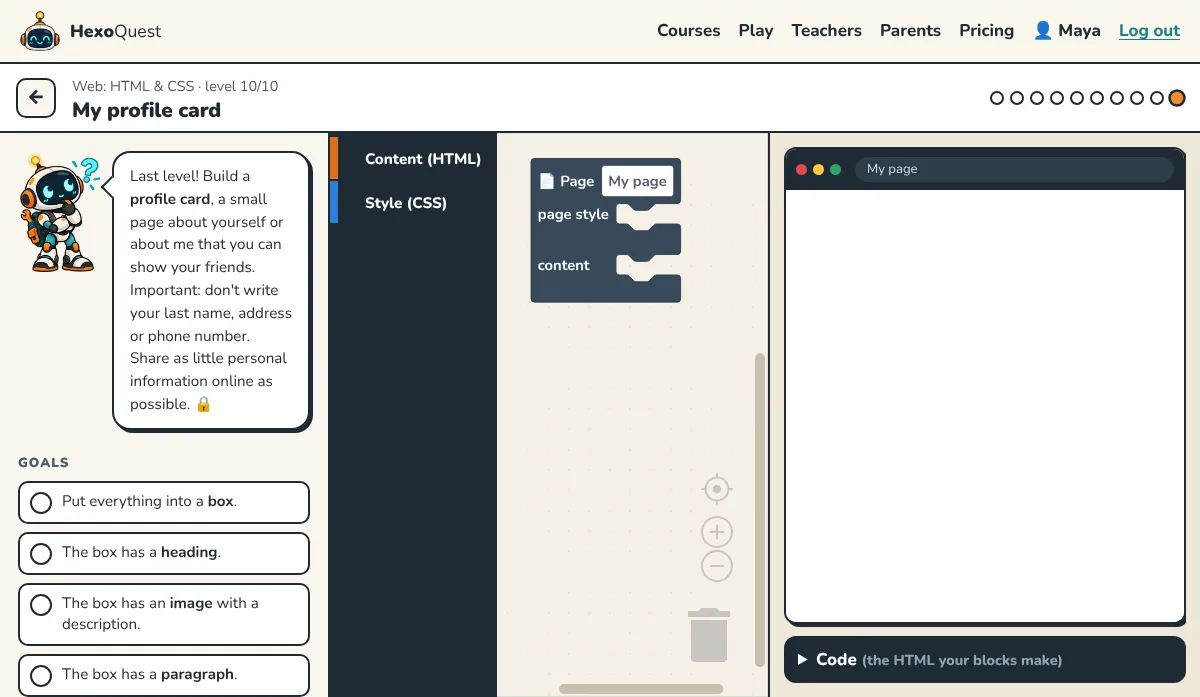
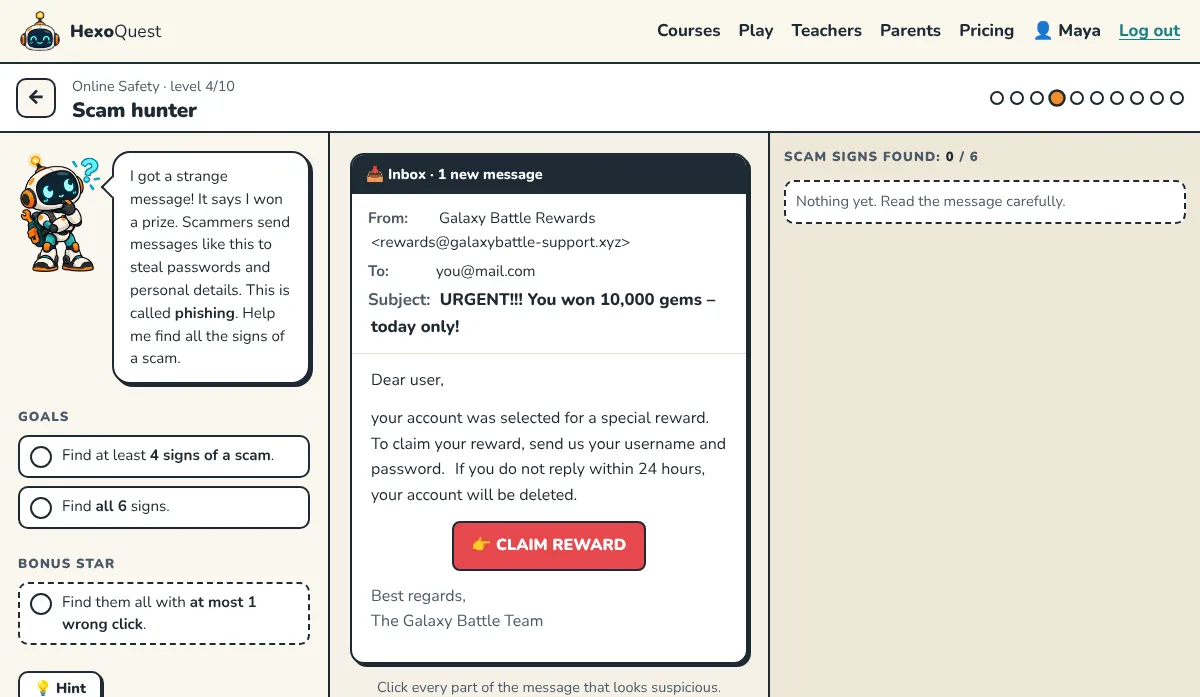
Hexo's Adventure
Guide Hexo through the dark Middle Ages. First with blocks, then with real Python code that works on every version of the map.
Try this level →Home Network
Place the router, run the cables and watch the Wi-Fi heat map. Every device in the house has to be fast, within budget.
Try this level →Web: HTML & CSS
Build your own profile card from blocks and see it instantly in the preview. The real HTML code appears below the blocks.
Try this level →Online Safety
Scam hunter: click every suspicious part of the message and learn to spot phishing.
Try this level →How the Internet Works
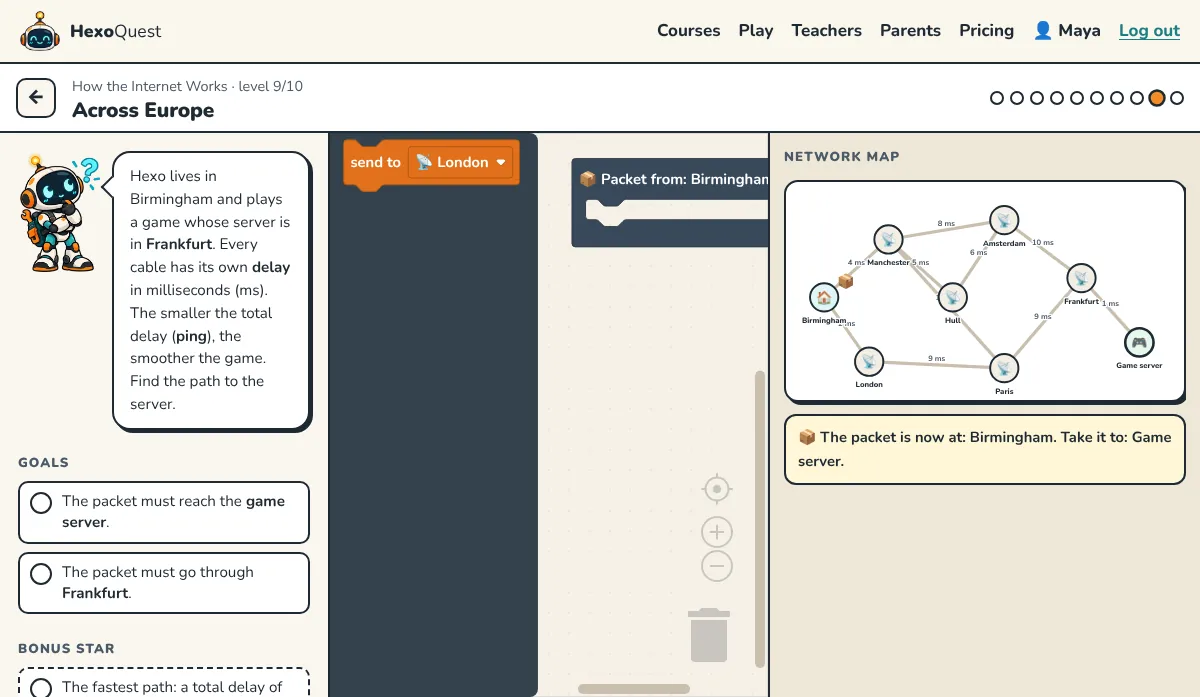
Guide a packet across a map of Europe and find the route with the lowest lag to the game server.
Try this level →Python
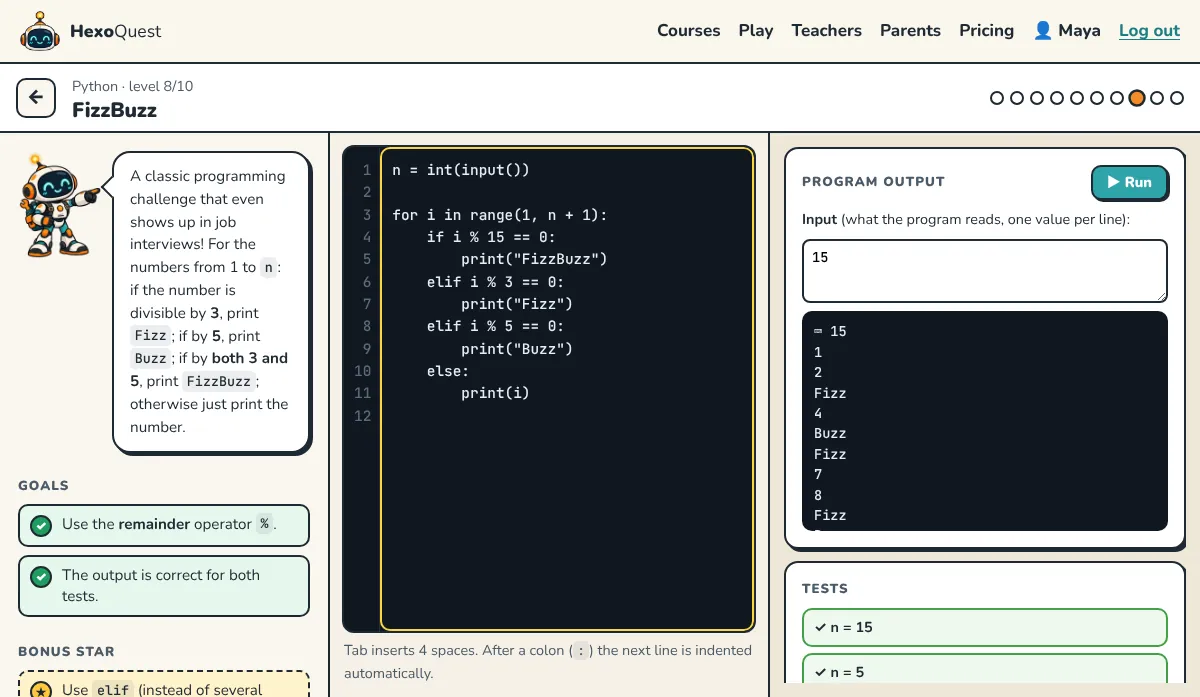
Write real code, and the tests instantly show what works and where the bug is.
Try this level →JavaScript & the Web
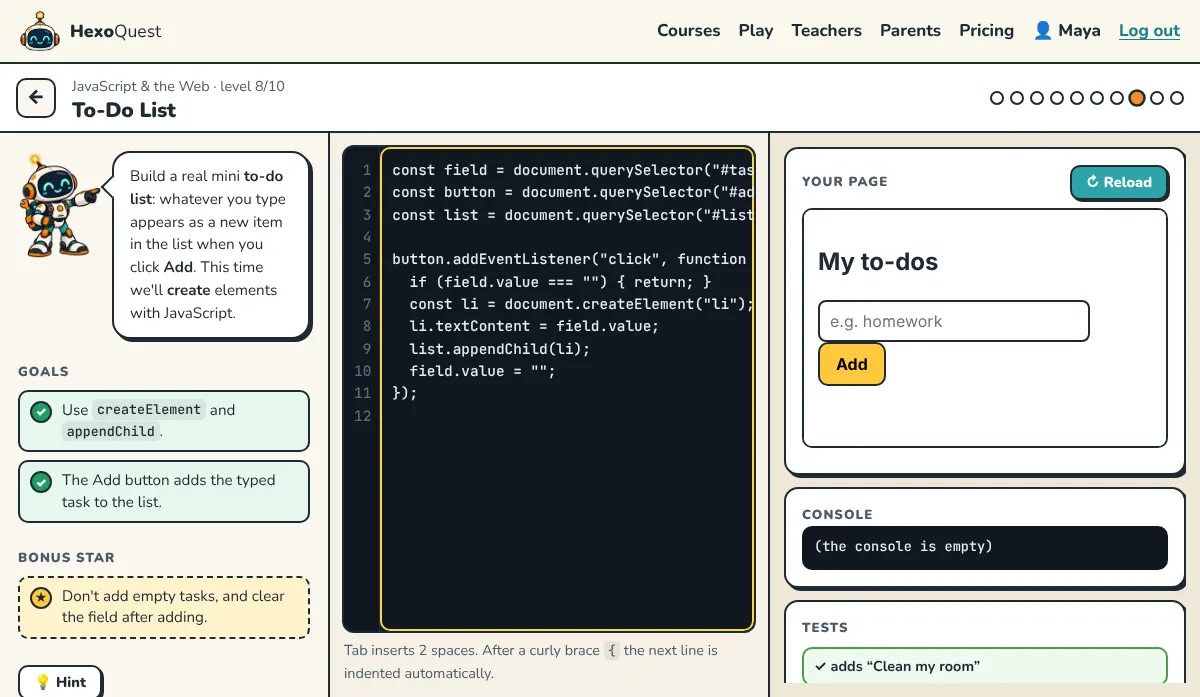
Bring a web page to life with buttons, events and loops. The page runs in a live preview next to your code.
Try this level →Networks 2
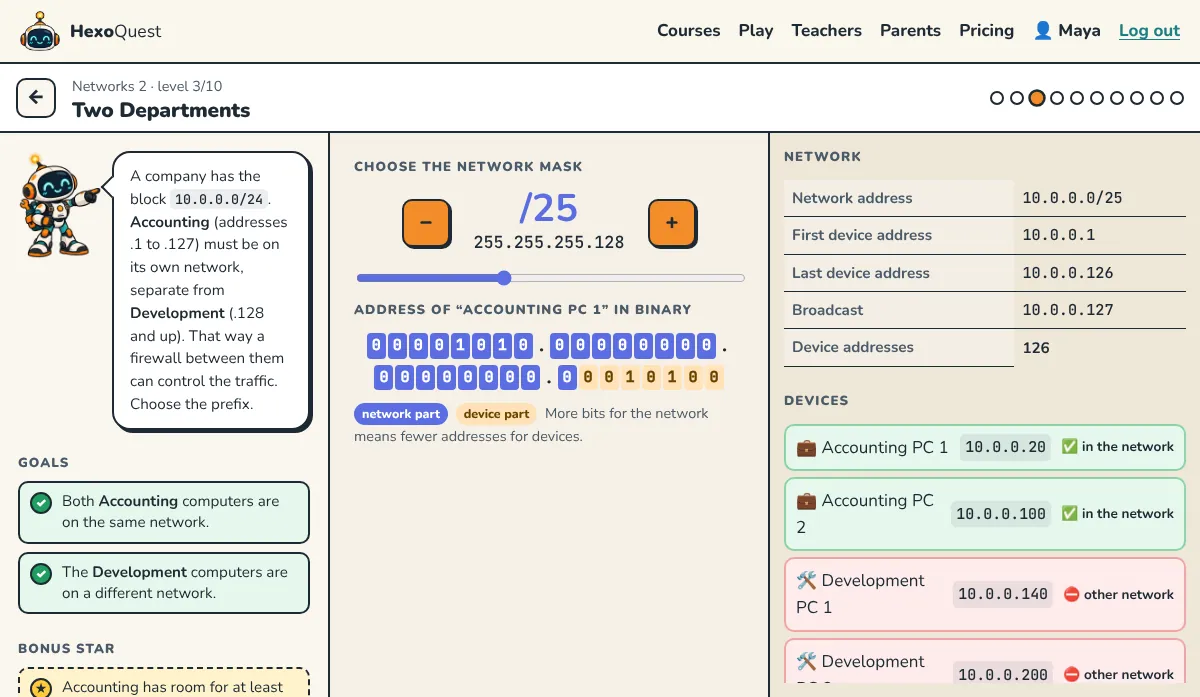
Pick a subnet mask with a slider and see in binary which devices end up on the same network.
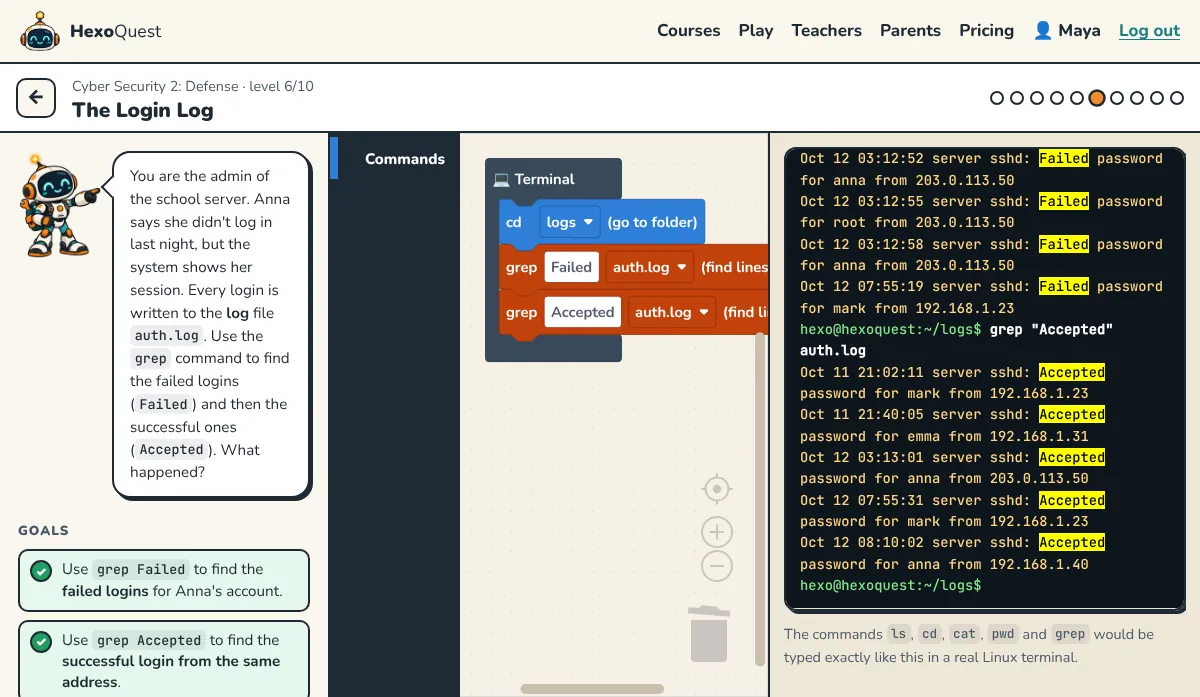
Try this level →Cyber Security 2: Defense
As the server admin, use grep on the login log to uncover a password-guessing attack.
Try this level →Choose your level

Web: HTML & CSS
Build your very first web page: headings, images, links and colors.
Online Safety
Strong passwords, spotting scams and protecting your privacy.
Cyber Security
Ciphers, firewalls and Linux commands. Think like a security expert.

How the Internet Works
How a message travels across the internet: IP addresses, routers and Wi-Fi.

Python
Your first real programming language: variables, decisions, loops and functions.
JavaScript & the Web
Bring a web page to life: buttons, events, lists and your first browser game.
Cyber Security 2: Defense
Become a defender: secure accounts, phones and home networks, and respond to a break-in.

Networks 2
Subnets, NAT, ports, TCP and UDP, and how an HTTPS connection is made.

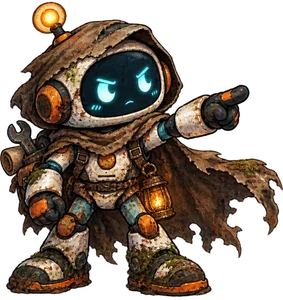 Hexo's Adventure Hexo's time machine crash-landed in the dark Middle Ages, and the dark forces stole it. Guide him to the castle with blocks and real Python code!
Play →
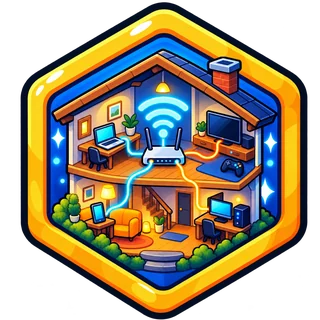
Home Network Connect every device in the house with cables and Wi-Fi. Where does the router go? When do you need an extender? All within budget!
Play →
Duel Challenge a friend to a live quiz: 7 questions, who is faster?
Play →
Leaderboard Who earned the most stars today, this month and of all time?
See →
Hexo's Adventure Hexo's time machine crash-landed in the dark Middle Ages, and the dark forces stole it. Guide him to the castle with blocks and real Python code!
Play →
Home Network Connect every device in the house with cables and Wi-Fi. Where does the router go? When do you need an extender? All within budget!
Play →
Duel Challenge a friend to a live quiz: 7 questions, who is faster?
Play →
Leaderboard Who earned the most stars today, this month and of all time?
See →
For the curious
🔐 Secret message
We intercepted an encrypted message from the dark forces. Every letter is shifted along the alphabet. Turn the shift until you can read it!
🎉 You cracked the Caesar cipher! More ciphers in the Cyber Security course →
🕵️ What does your browser know about you?
See what every website learns without asking: your device, your time, your graphics card, even where your mouse is.
Take a look →🏴 Hunt for hidden flags
Five flags are hidden on HexoQuest pages. You find them with real developer tools. The first one may be closer than you think …
Start the hunt →🎩 Hexo's wardrobe
Collect stars and unlock hats, glasses, pets and colors for Hexo.
Dress up Hexo →How does it work?

Read the mission
Hexo explains what to build. Every level is short and teaches one new thing.

Snap the blocks
Drag blocks together and watch the page change instantly. The real code appears right below.
Collect stars
Earn up to three stars per level, a badge for every course and a printable certificate.
For parents and teachers
What do kids get out of it?
It is not just a game. Every level trains one concrete skill, and together they build a way of thinking that kids need at school and in the digital world.
How web pages are made
HTML for content and CSS for style. At the end, kids have their own profile page they can download and open offline.
Computational thinking
Breaking a big problem into small, exact steps, in the right order. The foundation of all programming.
Online safety
Why we never put our full name or address on a page, why images need descriptions and how secure links work.
Debugging
A mistake is not a failure but a clue. Kids find it, understand it and fix it.
Creativity
The same building blocks, a different page for every child: colors, fonts, boxes and buttons.
Persistence
Try again, improve the solution and earn that third star.
Content supports computing curricula for ages 11–14 (for example creating digital artefacts and e-safety) and the European DigComp framework.
For teachers and parents
Create a class (or a family group) and share the join code. Kids need no email and no real name: they pick a nickname and a 4-digit PIN. Your dashboard shows who is where and what they have built.
- No personal data collected from kids
- Live progress screen and Class Quiz for the projector
- Printable login cards and certificates
- Data stored in the EU, GDPR compliant
Start 30-day free trial See pricing
Family from $7.99/month · Classroom $149/year for up to 35 students · Volume discounts for schools.
Frequently asked questions
What is free?
The first 3 levels of every course are free for everyone, without an account. To unlock all levels, a teacher or parent needs a plan, or can start a 30-day free trial (no card required).
Do kids need an account?
No. Kids join with a class code from their teacher or parent, a nickname and a PIN. No email, no real name.
Who is it for?
Beginners aged 11 to 17, at school, in coding clubs or at home. Younger kids can play together with a parent.
What do I need?
A computer or tablet with a modern browser. Nothing to install.
Can I cancel any time?
Yes. Subscriptions can be cancelled any time from the billing page, and your first payment comes with a 14-day money-back guarantee.